

If you’re wondering how to turn on captions on TikTok 2025, simply enable the feature in Settings → Accessibility → Captions, or tap the “Captions” icon while editing a video to auto‑generate subtitles—this ensures your TikTok videos are accessible, engaging, and viewer‑friendly.
💬 How to Turn On Captions on TikTok 2025 Reddit 🧠📝
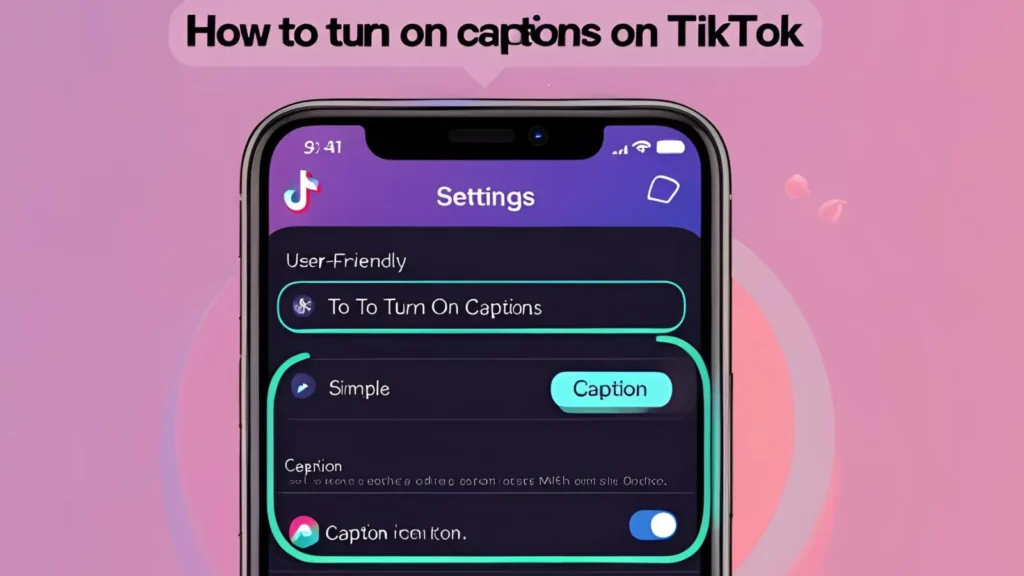
- ✅ According to Redditors in r/TikTokHelp, the 2025 method to enable captions varies by region and app version.
- 🔍 First, ensure your TikTok app is updated to the latest version (check the App Store or Google Play).
- 📱 Go to a TikTok video — if it supports captions, you’ll see a “Captions” or “CC” button on the right or bottom.
- 🧠 Some Reddit users recommend tapping the three-dot menu (•••) and selecting “Captions” from there.
- 🔄 Captions only appear if the creator used TikTok’s auto-caption tool during upload — no tool = no captions.
- 🌐 Redditors suggest changing your language settings to English if captions don’t show for you.
- 👀 If captions are missing, try watching popular creators or verified accounts — they’re more likely to use auto-captions.
- 💡 Caption visibility can be glitchy depending on your location or TikTok’s algorithm updates.
- 🌍 A workaround from Reddit: use a VPN set to the U.S. or UK to unlock caption options.
- 👨💻 Redditors say older devices sometimes don’t support the captions feature well — try TikTok on a newer phone.
- ⚙️ In Accessibility settings, enabling Auto Captions might make captions appear more frequently.
- 🧪 Try reinstalling TikTok if the caption toggle is completely missing.
- 📩 Still stuck? Reddit users recommend submitting a bug report directly to TikTok support through the app.
- 🔄 Captions are server-side — they don’t appear on all videos, even if enabled on your end.
📱 How to Turn On Captions on TikTok 2025 iPhone 📲🍏
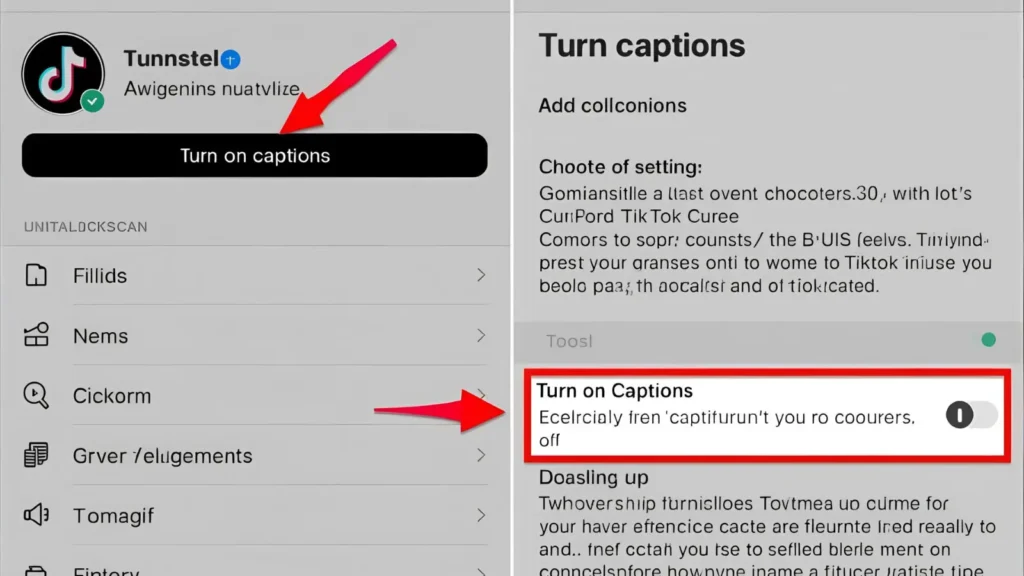
- Open the TikTok app and go to your Profile tab (bottom right corner).
- Tap the three lines in the top-right and select Settings and Privacy.
- Scroll down to “Accessibility” and tap it.
- Toggle “Always show auto-captions” ON to enable them on supported videos.
- Go back to the For You Page (FYP) and test by watching a few recent videos.
- If a video has auto-captions, they’ll show automatically at the bottom.
- Tap the “Captions” button (usually bottom left or near the share arrow) to toggle visibility.
- You can also tap the “…” (more options) and then choose “Captions” if visible.
- If captions aren’t showing, ensure your iPhone is running iOS 16 or later for maximum compatibility.
- Update TikTok via the App Store to avoid bugs with new features.
- Restart your phone after making changes to settings — fixes minor glitches.
- Still not working? Try logging out and logging back in.
- Not all creators use captions — test with verified TikToks first.
- If needed, use voice control or Siri to turn on captions for accessibility.
🤖 How to Turn On Captions on TikTok 2025 Android 📲
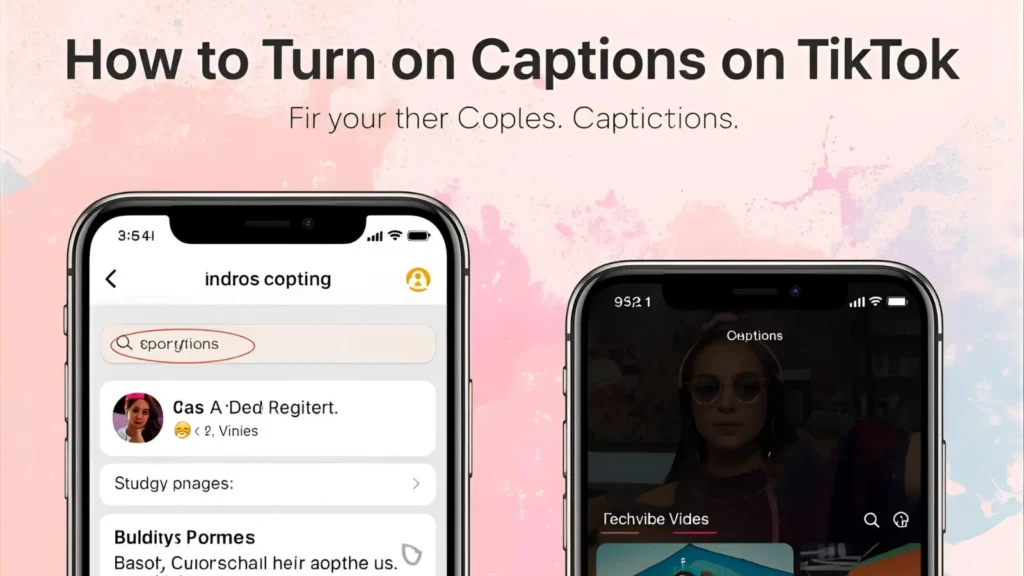
- Launch the TikTok app on your Android device.
- Tap your Profile icon, then go to Settings and Privacy.
- Scroll down to find Accessibility, and tap to open.
- Enable the toggle for Auto Captions — this will display captions when available.
- Go to any video in your FYP to test.
- Look for a “CC” or “Captions” icon near the video — tap it to toggle them on.
- If unavailable, check the “…” or triple-dot menu for a captions toggle.
- Ensure your Android OS is updated to Android 11 or higher.
- Use the Google Play Store to update TikTok for bug fixes.
- Some Android skins (like MIUI or OneUI) might hide certain settings — check for custom accessibility menus.
- You can also use Live Caption (found in Android settings under Sound or Accessibility) to auto-caption ALL apps.
- Try watching a popular creator’s content — they’re more likely to include auto-captions.
- If captions still won’t show, clear TikTok’s cache via App Info.
- Reinstall TikTok as a last resort to refresh all in-app options.
🍎 How to Turn On Captions on TikTok 2025 iOS 📱🧏♀️

- Open TikTok and head to Settings and Privacy > Accessibility.
- Tap “Always Show Auto Captions” to enable captions globally.
- Return to your feed and view a video to see if captions appear.
- Look for the caption icon (CC) near the video — tap to toggle.
- iOS 17 has native Live Caption support (go to Settings > Accessibility > Subtitles & Captioning).
- Ensure TikTok has permission under Screen & Voice Recognition.
- Captions work best on newer iPhones like the iPhone 12 or newer.
- You may need to restart your phone or app after enabling captions.
- Turn on “Reduce Motion” in iOS Accessibility to stabilize in-app captions.
- Captions will only appear on videos with auto-captions enabled by the creator.
- iOS updates sometimes change how overlays appear — always keep your device up to date.
- Enable Bold Text and Larger Text for more readable captions.
- iOS TikTok users have smoother access to accessibility features than Android — lean into that.
- If it’s still not working, submit a bug ticket in-app.
🧊 Why Don’t I Have Captions on TikTok? 🤷♂️
- Captions only appear if the video creator enabled them using TikTok’s built-in caption feature.
- Not all videos include auto-captions — it’s optional per post.
- Your TikTok app might be outdated — update it to access new features.
- The Captions feature is region-specific — not rolled out to every country yet.
- Some users have the feature temporarily removed due to server-side A/B testing.
- Your language settings may prevent captions from appearing — set language to English (US).
- Device limitations (older phones or unsupported OS versions) might block visibility.
- Creator-uploaded subtitles sometimes replace auto-captions and can’t be toggled.
- You may have disabled “Auto Captions” under Accessibility in settings.
- TikTok may have removed the option temporarily due to policy updates.
- Captions don’t show in downloaded videos — only in-app playback.
- Private accounts and Drafts don’t display captions to viewers.
- Your content preferences may reduce exposure to caption-enabled videos.
- Try clearing cache, reinstalling, or logging into another account to test.
🎬 How to Add Subtitles on TikTok Automatically 🛠️
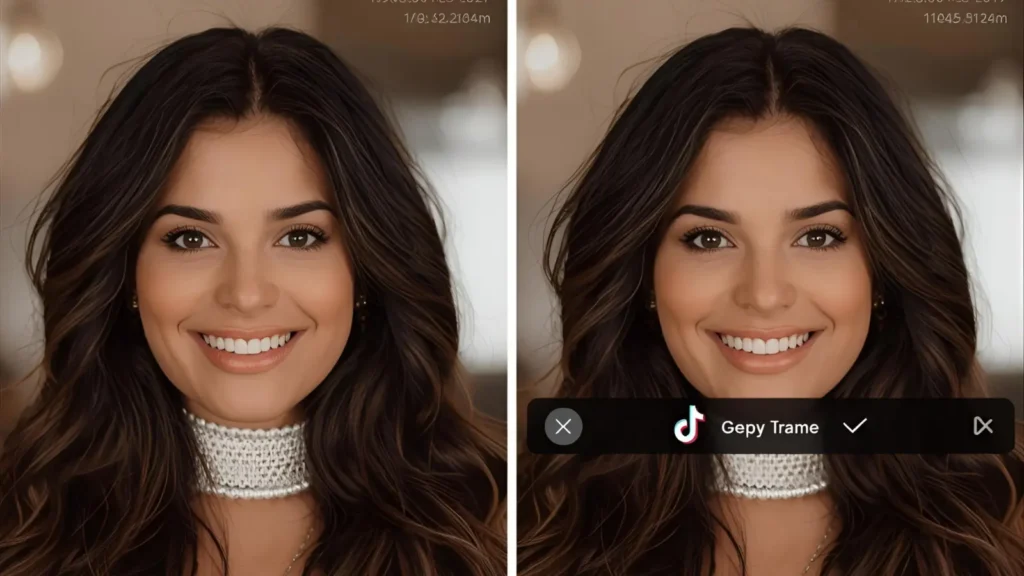
- When posting a new video, after recording/editing, tap “Captions” on the right-hand menu before posting.
- TikTok will analyze your video audio and generate subtitles automatically.
- Review the auto-captions — you can edit or correct any words before publishing.
- Tap “Save” to apply the subtitles to your video.
- These subtitles appear automatically for users with captions enabled.
- Auto-captioning supports multiple languages including English, Spanish, Hindi, etc.
- If the Captions button doesn’t appear, your app may not be updated.
- Speak clearly for best results — mumbling reduces accuracy.
- TikTok uses AI speech recognition, so background noise might affect output.
- You can drag and reposition subtitles if needed before posting.
- Add emojis or special characters in captions for flair.
- Use subtitles to make your content accessible for deaf or hard-of-hearing audiences.
- Consider turning on the Voiceover tool for better narration.
- Subtitles are saved with the video — no need to reapply each time.
👁️ How to Turn On Subtitles on TikTok 🗣️
- Subtitles and captions are often used interchangeably on TikTok — they both refer to on-screen text of spoken words.
- Go to Settings and Privacy > Accessibility inside the TikTok app.
- Toggle on “Always show auto-captions.”
- Return to your feed and scroll through videos — those with auto-subtitles will show text.
- Tap the “CC” icon if visible to toggle subtitles.
- Subtitles only work if the creator enabled captions during posting.
- Check video description — some creators note if subtitles are included.
- Subtitles are auto-generated and follow the speaker’s voice.
- If the video has text overlays or added titles, they don’t count as official subtitles.
- For live subtitles, use Android’s or iOS’s native live captioning features.
- Third-party apps like CapCut (from TikTok’s parent company) can add subtitles too.
- Some regions auto-enable subtitles if accessibility settings are on.
- If it doesn’t work, reinstall TikTok or contact support.
- Use headphones for clearer subtitle generation during uploads.
💻 How to Turn On Captions on TikTok Computer 🖥️🧏
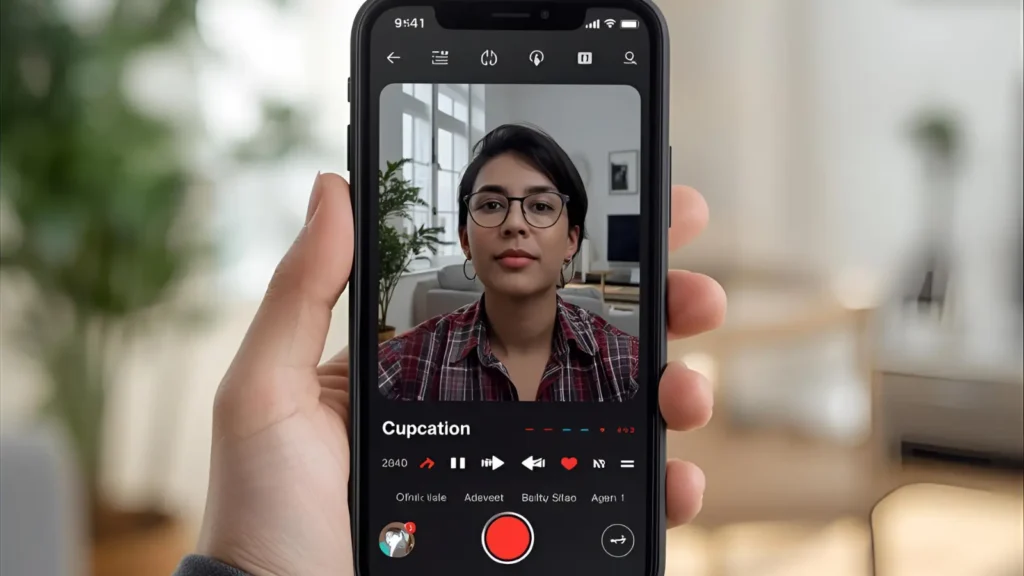
- Visit www.tiktok.com and log into your account.
- Browse to any video on the web player.
- If a video includes captions, they’ll appear automatically on the lower part of the video.
- Currently, TikTok web doesn’t have a captions toggle — they’re either on or off depending on the video.
- Web captions work only on videos where the creator added auto-captions.
- Some browser extensions claim to extract captions — use with caution.
- Use Chrome’s Live Caption feature (Settings > Accessibility > Live Caption).
- Firefox and Edge also support live caption plugins.
- For creators uploading via TikTok Desktop Studio, auto-captions must be added via mobile first.
- Subtitles won’t show if you’re watching in incognito mode or signed out.
- There’s no way to manually enable captions on desktop TikTok yet — only viewer-dependent.
- Web captions are still a beta feature — updates expected soon.
- Consider watching through mobile browser for a hybrid experience.
- You can always download the video and use third-party tools to view subtitles offline.
1. How to Turn On Captions on TikTok 2025 via Settings

- Open TikTok and go to your Profile tab.
- Tap the three‑line menu (☰) in the top right.
- Choose Settings and privacy.
- Scroll to Accessibility under Display.
- Toggle Captions (also called Subtitles) ON.
- Confirm language preferences if available.
- Exit settings and captions will now load when available.
- Ensure your TikTok app is updated to the latest version.
- Restart TikTok if toggle doesn’t appear immediately.
- Works for both Android and iOS devices.
- Affects all videos in your account/viewer experience.
- Toggle OFF to disable all captions at once.
- Great for global accessibility compliance.
- This setting is viewer‑side and doesn’t require creator actions.
2. Auto‑Captions on TikTok 2025 for Creators

- Tap “+” to record or upload a video.
- After capturing, tap the checkmark to open editing screen.
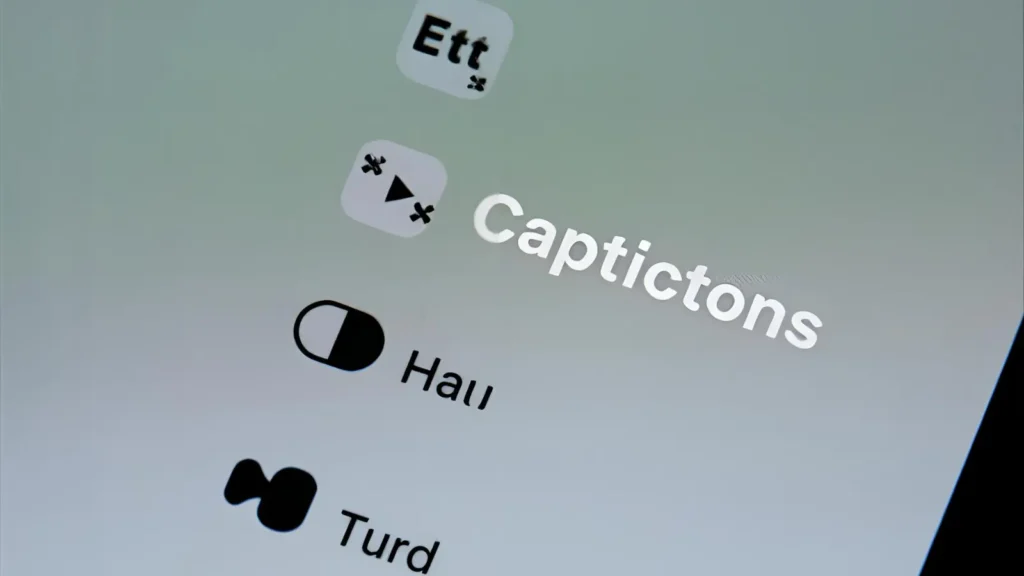
- Look for the Captions icon (looks like stacked lines).
- Tap it to let TikTok auto‑generate subtitles.
- Processing may take a few seconds.
- Captions appear at bottom of preview frame.
- Review auto‑transcription carefully.
- Tap each caption block to edit text manually.
- Correct misheard words or add punctuation.
- Use the “A” icon to customize font & color.
- Drag text to reposition if blocking important visuals.
- Save edits before tapping Post.
- Captions embedded become optional for viewers.
- Once posted, captions cannot be added later.
3. How to Turn Off Captions on TikTok 2025 as a Viewer
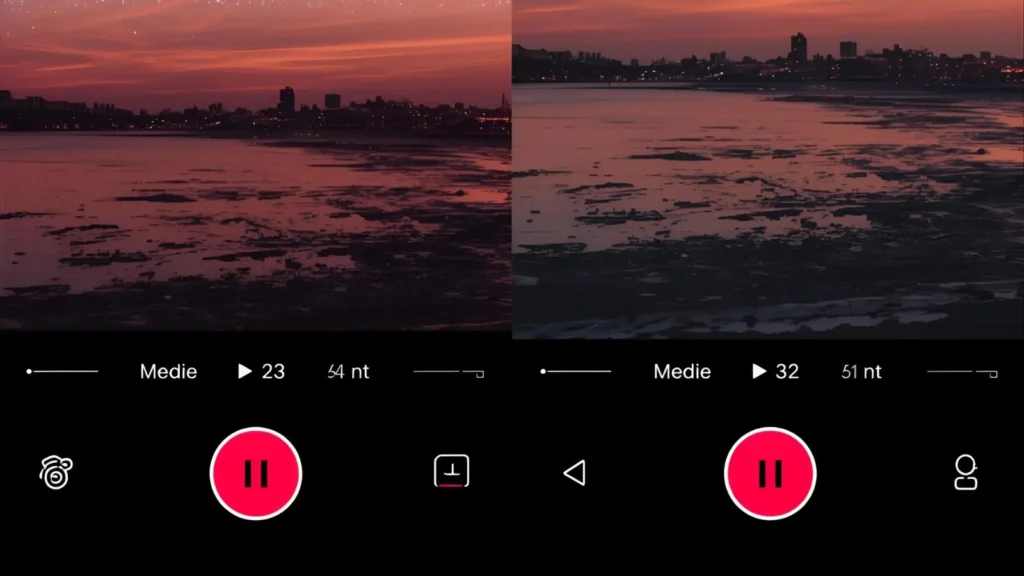
- Play any video that has subtitles enabled.
- Tap directly on the caption text during playback.
- A small “Hide captions” bubble appears—tap it.
- Captions vanish immediately.
- This applies only to current viewing session.
- To restore, refresh or replay video.
- Works on both mobile and web TikTok.
- Cannot hide “hard‑coded” captions embedded by creator.
- This toggle doesn’t affect creator settings.
- Handy when captions distract from visuals.
- Useful in quiet public spaces or silent viewing.
- Settings menu toggle overrides per‑video hide/show? No.
- Re-enabling captions requires tapping text again.
- Simple UX for flexible viewing.
4. How to Fix Missing Captions Option TikTok 2025
- Update TikTok to the latest version via App Store/Play Store.
- Restart your phone or close the app fully.
- Log out and log back into TikTok.
- Clear app cache (on Android via Settings).
- For iOS, uninstall and reinstall TikTok.
- Reddit users confirm reinstall restores missing toggles Descript+2Captions+2SubtitleBee+2Lifewire+6SubtitleBee+6Captions+6ShopifyCaptions+4Lifewire+4SubtitleBee+4SpeakWrite Transcription ServicesLifewire+4Descript+4Shopify+4
- Ensure region settings support captions feature.
- Captions toggle appears under Accessibility only.
- If still missing, check account age/regional rollout.
- Use a VPN to test in another region if necessary.
- Confirm your device language is supported.
- Use TikTok web version to verify feature availability.
- Contact TikTok support if persistent issue.
- Stay patient—full rollout varies by region and account.
5. Editing Captions on TikTok 2025 Like a Pro

- Tap each caption block before posting for edits.
- Fix typos, slang mis-hearings, or accents.
- Add punctuation to improve readability.
- Merge split lines into one block if needed.
- Remove filler words (“um”, “uh”) for clarity.
- Shorten long sentences for better timing.
- Relocate captions to avoid visual overlap.
- Change font, color, outline via style menu.
- Preview edits before posting.
- Always save before exiting editing screen.
- Avoid auto caption truncations in rapid dialogue.
- Re-upload video if post already live wrongly captioned.
- Delete original and re-upload with edits if necessary.
- Accurate edits boost engagement and accessibility.
6. How to Customize Captions Style on TikTok 2025
- After captions appear, tap the style (“A”) icon.
- Choose from preset fonts and outline styles.
- Pick caption colors: white, black, neon, etc.
- Add background highlight for legibility.
- Adjust text size based on video aspect ratio.
- Place captions at bottom center ideally.
- Avoid placing text where interactive UI appears.
- Use high contrast color for visibility.
- For brand consistency, repeat style across posts.
- Save style templates if feature available.
- Use styles that complement video aesthetic.
- Caption style doesn’t affect auto-caption accuracy.
- Ensure captions don’t get cropped by edges.
- Consider mobile readability—use ≥14pt equivalent.
7. Manual Captions Entry vs Auto on TikTok 2025
- Auto‑captions = quick but may mis-transcribe.
- Manual captions = precise but time‑consuming.
- Auto suits everyday casual videos.
- Manual works better for scripted content.
- Beginners can rely on auto then edit.
- Manual entry uses the Text tool (Aa icon).
- Type lines, sync timing manually via timeline.
- Customize font/position as with auto captions.
- Manual ideal for multilingual or stylized captions.
- Auto supports multiple languages automatically.
- Manual requires planning ahead in script.
- Both methods create accessibility-friendly content.
- Choose based on volume of video output.
- Both require review for accuracy before posting.
8. TikTok Captions Support Languages in 2025
- Auto-captions currently support: English, Spanish, Portuguese.
- Additional languages: Korean, Turkish, Mandarin, German, Italian RedditSpeakWrite Transcription Services+2Descript+2Shopify+2LifewireCaptions+1Teleprompter+1SpeakWrite Transcription Services+1Teleprompter+1Teleprompter+1SpeakWrite Transcription Services+1
- Language options depend on region/account.
- Viewers can read in multiple supported languages.
- Creators cannot manually add non-supported languages.
- Third‑party tools (e.g. Descript) can translate captions.
- Translated version must be embedded before upload.
- TikTok auto‑detects spoken language for captions.
- Accuracy varies based on accent and clarity.
- Edit translated captions manually for precision.
- Region-based rollout might delay some languages.
- Captions feature frequently expands language support.
- Always check if your language option appears in settings.
- Accessible captions enhance global reach.
9. How to Use Third‑Party Tools for TikTok Captions 2025
- Tools include Descript, CapCut, InShot.
- Upload raw video, auto‑transcribe outside TikTok DescriptSpeakWrite Transcription Services+1Reddit+1
- Edit transcription for accuracy.
- Style captions extensively—fonts, timing, position.
- Export final video with embedded captions.
- Upload to TikTok like any other video.
- This overrides TikTok’s auto caption feature.
- Useful for creators needing advanced styles.
- Supports SRT/VTT imports indirectly.
- External tools ideal when TikTok toggle missing.
- Offers noise reduction, speaker labelling.
- Templates help maintain brand identity.
- Allows multi‑language caption embedding.
- Higher polish for professional or educational content.
10. Why You Should Turn on Captions on TikTok 2025

- Improves accessibility for deaf or hearing‑impaired users.
- Engages viewers who watch without sound.
- Boosts average watch time and completion rates.
- Enhances clarity in crowded or noisy settings.
- Helps non-native speakers understand content.
- Algorithms often favor captioned videos.
- Increases shareability and engagement metrics.
- Supports content discoverability via keywords.
- Reinforces message retention.
- Builds inclusive, user‑friendly community.
- Some studies show 5–55% uplift in impressions TikTok+1TikTok+1RedditReddit+4Descript+4SpeakWrite Transcription Services+4ShopifySpeakWrite Transcription Services+3Captions+3Shopify+3SpeakWrite Transcription Services
- Reinforces brand professionalism.
- Gives visual equity to spoken content.
- Reflects trending best practices for creators.
11. When Captions Don’t Work on TikTok 2025 – Fixes
- Ensure app is updated to latest version.
- Restart TikTok or reboot device.
- Reinstall TikTok to refresh missing features.
- Toggle captions OFF then ON again in settings.
- Switch language in accessibility settings.
- Confirm video was posted with captions enabled.
- Try logging out and back in.
- Clear app cache or storage.
- Use TikTok web to test normal behavior.
- If feature absent, try VPN in supported region.
- Contact TikTok support if issue persists.
- Ensure microphone/audio permissions are active.
- Record in quieter environment for auto transcription.
- Check Reddit for others reporting same problem Teleprompter+1Captions+1
12. How to Translate Captions on TikTok 2025
- Use tools like Descript or CapCut for translations.
- Create original captions in one language.
- Export caption file (e.g. SRT) with translations.
- Embed captions directly into video frames.
- Upload translated video to TikTok.
- Viewers see translated text as part of video.
- TikTok’s built‑in tool doesn’t translate automatically.
- Translate before posting—can’t edit after.
- Maintain quality by proofreading translated text.
- Use consistent style across languages.
- Supports global audience expansion.
- Use subtitles sparingly and clearly on screen.
- Avoid crowding bottom-of-screen with large text.
- Cultural nuance matters—localize phrases.
13. Accessibility Best Practices for TikTok Captions 2025

- Use high-contrast caption colors (white on dark).
- Keep caption font size legible across devices.
- Center captions horizontally for ease.
- Avoid placing text near interface controls.
- Limit caption line length for readability.
- Sync timing accurately with speech.
- Add captions even to short videos.
- Test video playback on different devices.
- Add caption fallback for noisy backgrounds.
- Use punctuation and line breaks sensibly.
- Avoid using slang without context.
- Provide context for ambient sounds (“[laughs]”).
- Use consistent style across multiple uploads.
- Prioritize clarity over decorative fonts.
14. How to Show Captions in TikTok Web/Desktop 2025
- Navigate to TikTok on desktop browser.
- Play any video with subtitled captions.
- Look for “CC” icon above video description.
- Click the CC icon to enable captions SpeakWrite Transcription Services+2Reddit+2Descript+2DescriptTeleprompterReddit+2SubtitleBee+2Captions+2
- To hide, click CC again or reload the page.
- Web supports built‑in, creator‑enabled captions only.
- Cannot edit captions via web interface.
- Captions are synced automatically, if present.
- Use browser zoom to enlarge text if needed.
- Works across Chrome, Safari, Firefox.
- CC icon may not appear if captions disabled by creator.
- Ideal for watching videos in quiet office spaces.
- No settings toggle on web—mobile controls apply.
- Web captions reflect viewer-side preference.
15. TikTok Captions FAQ – 2025 Edition
- Why don’t I see captions? – Creator didn’t enable or viewer setting OFF.
- Can I edit captions after posting? – No, must delete and repost.
- Why are captions inaccurate? – Poor audio, slang, strong accent. Edit manually.
- Is captions toggle universal? – Rollout varies by region/account.
- Can I translate captions in‑app? – No, use third‑party external tool.
- Can I disable captions per video permanently? – Viewer toggle is session-specific.
- Why no captions icon in settings? – App outdated or bug—reinstall recommended.
- Do captioned videos rank better? – Yes, accessibility boosts engagement.
- Do captions count as text in search? – Yes, keywords may be searchable.
- Best practices for creators? – Enable, review, style, test before posting.
- What about multi-speaker videos? – Caption blocks appear sequentially; edit timeline.
- Will captions show in shared embeds? – Yes, if embedded captions are turned on.
- Can I turn captions off temporarily? – Yes, use Hide captions during playback.
- Are captions available in ads? – Yes, if creator enabled them at posting time.
16. Geo‑Aware TikTok Captions Tips for 2025
- Use regionally supported languages when enabling auto captions.
- Edit auto‑captions to reflect local dialect terms.
- For multilingual audiences, embed translated captions.
- Use spellings and phrasing relevant to viewer locales.
- Regional rollout might delay captions availability—plan accordingly.
- Creators in non-supported zones may rely on third‑party tools.
- Toggle OFF and ON to refresh settings when moving between regions.
- Captions style may appear differently based on device locale font rendering.
- Avoid slang or idioms that don’t translate well globally.
- Use captions to include local hashtags or place names.
- Viewers can hide captions even if creator enabled regionally.
- Review captions on mobile networks to verify performance.
- Test that captions appear in all supported languages in your region.
- Keep captions concise to reduce data usage in bandwidth‑limited zones.
Ratings, Comments & Sharing
Loved learning how to turn on captions on TikTok 2025 like a pro? Drop a comment below with your top tip, share this guide to help friends master captions too, and save it for future reference! Let’s make every TikTok accessible and engaging together 🎥💬.

Isabella is all about stylish and heartfelt captions. She specializes in content that mixes beauty, emotion, and trendy vibes.